Free AI Image Generator: Master Prompts with PicVault
Discover how to use a free AI image generator to create stunning visuals. Learn prompt engineering techniques, explore curated examples, and start generating high-resolution art with PicVault today.
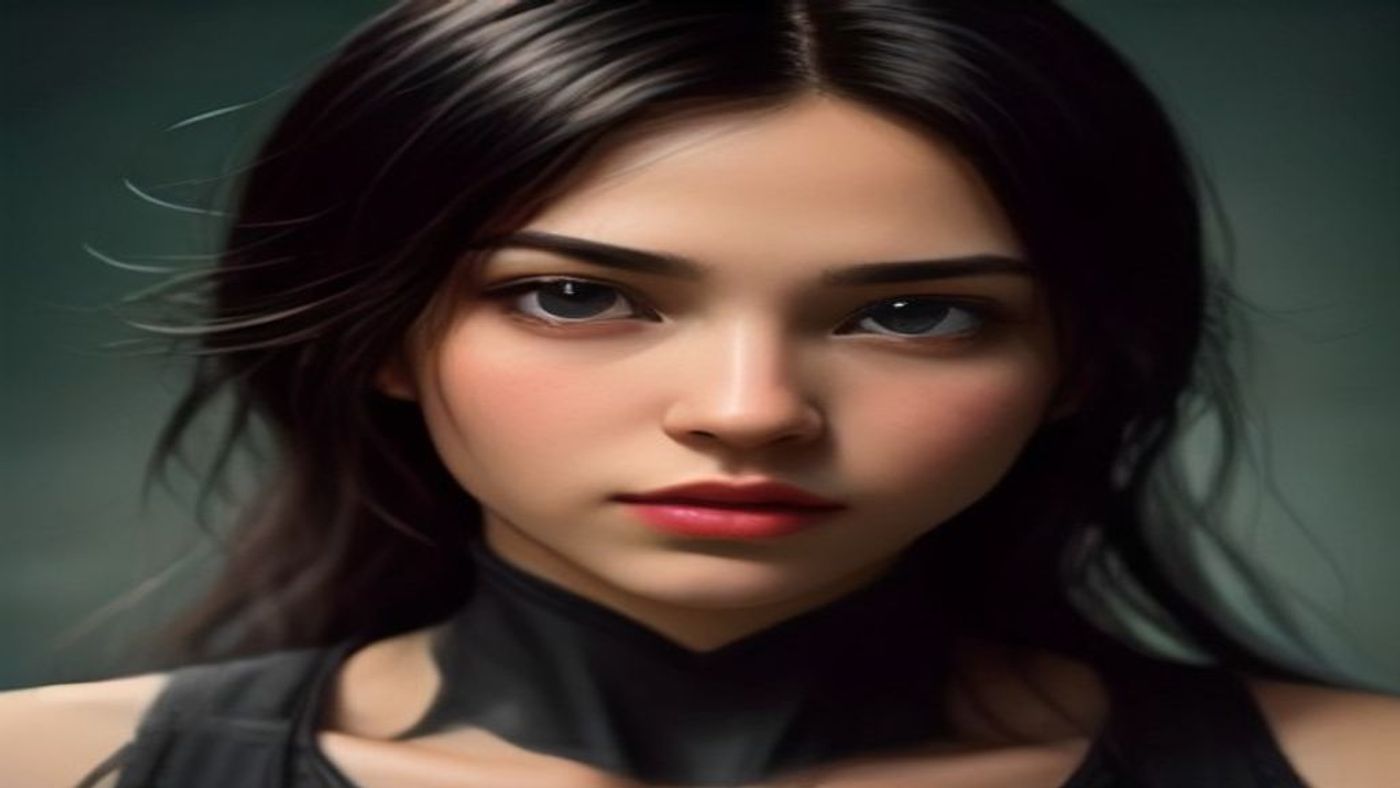
Why Free AI Image Generators Are Changing Creative Work
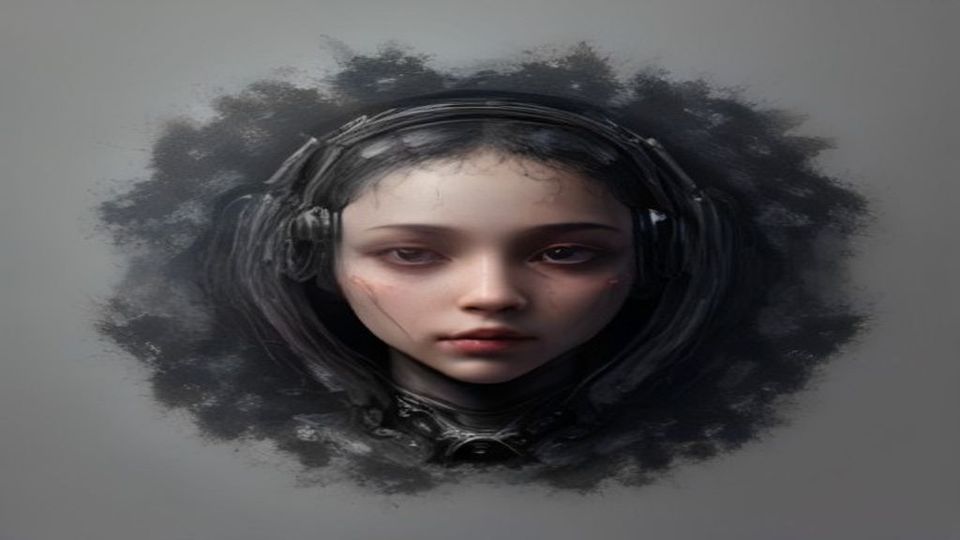
AI image generation has exploded in popularity, and for good reason. Whether you're a marketer, designer, or hobbyist, a free AI image generator lets you produce professional-quality visuals without expensive software or years of training. The secret? Learning how to write effective prompts.
At PicVault, we've built a powerful text-to-image generator that turns your words into high-resolution art instantly. In this guide, we'll walk you through proven prompt techniques and examples so you can get the most out of every generation.
Curated Prompt Examples for Stunning Results
1. Cinematic Portrait
```
A cinematic portrait of a young woman standing in a rain-soaked alley at night, neon reflections on wet pavement, shallow depth of field, shot on 85mm lens, moody blue and magenta tones, photorealistic, 8K
```
**Style Breakdown:** Low-key lighting, eye-level camera angle, photorealistic style with film grain.
**Ideal Use Case:** Social media headers, character concept art, or editorial thumbnails.
2. Fantasy Landscape
```
A vast fantasy landscape with floating islands, waterfalls cascading into clouds, golden hour lighting, lush vegetation, epic scale, digital painting style, highly detailed, trending on ArtStation
```
**Style Breakdown:** Warm golden lighting, wide-angle aerial view, digital painting with painterly textures.
**Ideal Use Case:** Book covers, game environment concepts, or desktop wallpapers.
3. Minimalist Product Shot
```
A minimalist product photograph of a matte black perfume bottle on a white marble surface, soft diffused studio lighting, clean shadows, centered composition, commercial photography style, ultra-sharp focus
```
**Style Breakdown:** Soft overhead lighting, top-down or eye-level angle, commercial photography aesthetic.
**Ideal Use Case:** E-commerce listings, brand mockups, or advertising creatives.
4. Cyberpunk Cityscape
```
A futuristic cyberpunk city street at night, holographic billboards, flying vehicles, rain-slicked roads reflecting neon signs, dense urban atmosphere, blade runner aesthetic, ultra-wide angle, 4K
```
**Style Breakdown:** High-contrast neon lighting, low-angle wide shot, sci-fi concept art style.
**Ideal Use Case:** Poster art, world-building references, or YouTube channel art.
5. Watercolor Illustration
```
A delicate watercolor illustration of a cozy cottage surrounded by wildflowers, soft pastel colors, white paper texture visible, gentle brushstrokes, whimsical storybook style, light and airy composition
```
**Style Breakdown:** Natural soft lighting, slightly elevated angle, traditional watercolor on textured paper.
**Ideal Use Case:** Children's book art, greeting cards, or blog illustrations.
6. Abstract Geometric Art
```
An abstract composition of overlapping geometric shapes in gradient colors, smooth 3D rendering, soft ambient occlusion, clean modern aesthetic, symmetrical balance, high contrast, digital art
```
**Style Breakdown:** Even ambient lighting, isometric or front-facing angle, 3D render style.
**Ideal Use Case:** Presentation backgrounds, NFT art, or modern branding elements.
7. Vintage Travel Poster
```
A vintage travel poster of Santorini Greece, bold flat colors, retro typography space at top, stylized illustration, 1950s travel advertisement aesthetic, warm Mediterranean palette, screen-printed texture
```
**Style Breakdown:** Flat even lighting, straight-on composition, retro illustration with limited color palette.
**Ideal Use Case:** Event posters, wall art prints, or nostalgic social media content.
8. Macro Nature Photography
```
Extreme macro photograph of a dew-covered spider web between flower petals, morning sunlight creating bokeh background, shallow depth of field, vibrant colors, National Geographic style, ultra-detailed
```
**Style Breakdown:** Natural backlighting, extreme close-up angle, nature photography realism.
**Ideal Use Case:** Educational content, nature blog headers, or calming visual assets.
3 Practical Tips to Level Up Your Prompts
**1. Add Camera and Lens Specifications.** Including terms like "85mm lens," "shallow depth of field," or "wide-angle" gives the AI clear direction on composition and focus. This single addition often transforms a flat image into something that looks professionally shot.
**2. Specify Lighting Early in Your Prompt.** Lighting sets the entire mood. Words like "golden hour," "neon-lit," "soft diffused studio light," or "dramatic rim lighting" should appear near the beginning of your prompt to anchor the visual tone before describing subjects.
**3. Iterate with Small Changes.** Don't rewrite your entire prompt when results aren't perfect. Change one element at a time — swap a color, adjust the angle, or add a style reference. This helps you understand what each word contributes to the final image.
Start Creating with PicVault Now
You've seen what's possible with well-crafted prompts. Now it's your turn to experiment. PicVault's free AI image generator gives you instant access to high-resolution text-to-image creation with no signup required for basic use.
Whether you need social media graphics, concept art, or just want to explore creative ideas, PicVault makes it effortless. Try the prompts above, tweak them to match your vision, and see your ideas come to life in seconds.
Head over to PicVault and start generating your first masterpiece today!